
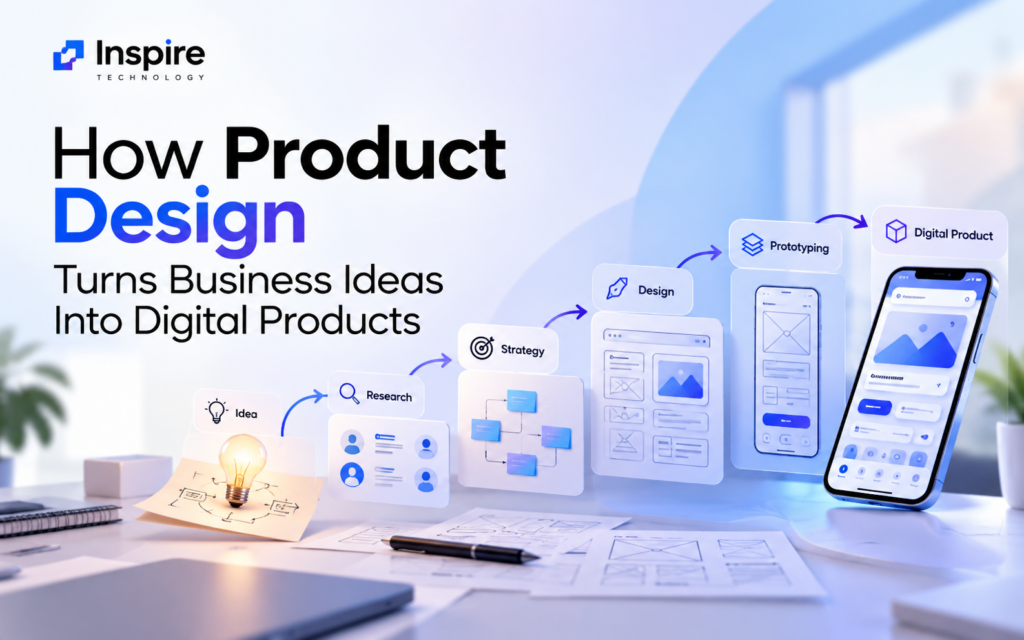
A business idea can look promising on paper and still fail as a digital product. The gap usually appears when an idea moves from a concept into something real that customers must understand, use, and trust.
That is where product design becomes important.
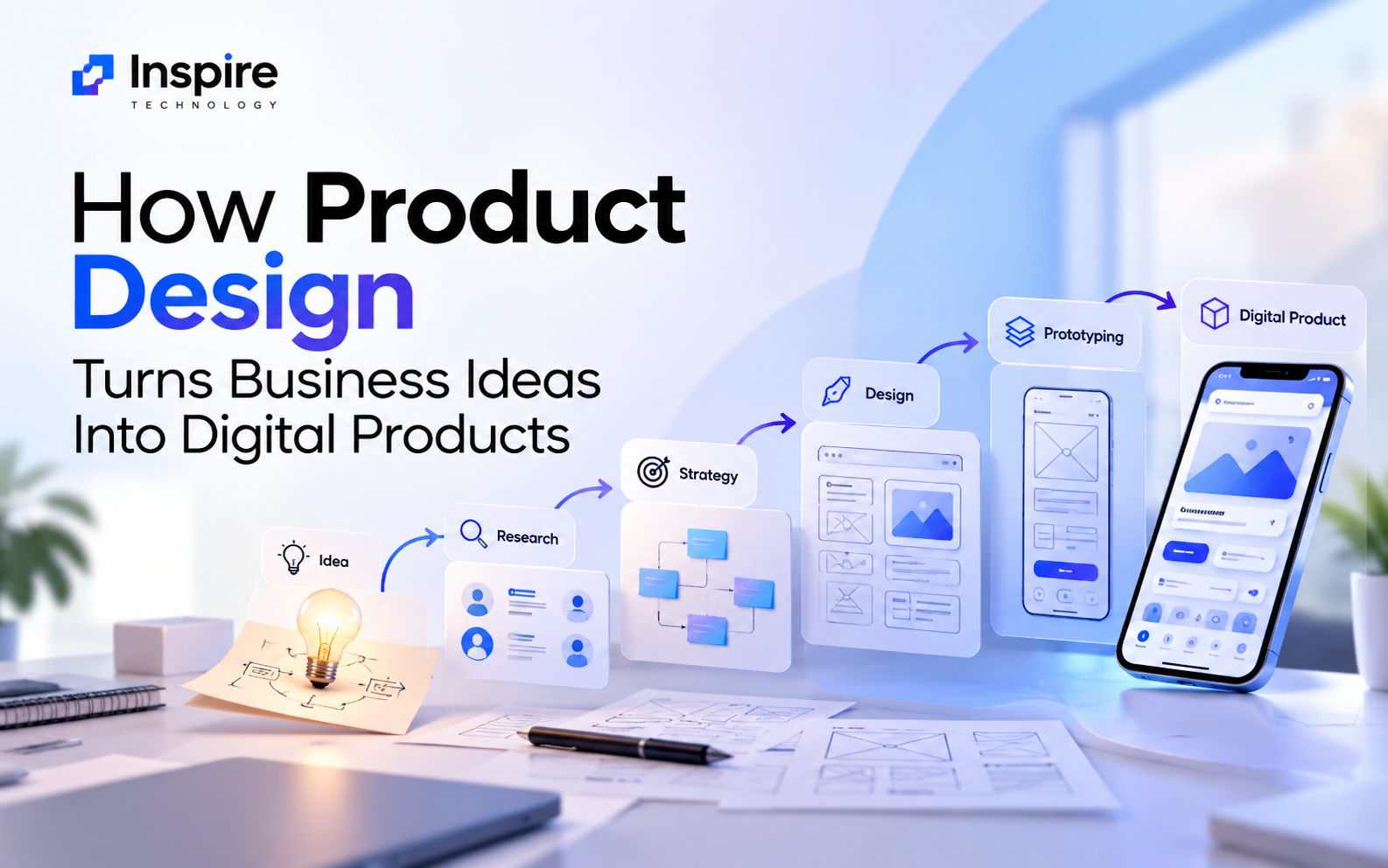
A structured product design process turns business goals, customer problems, and market opportunities into a digital product that people can actually use. The process combines product strategy, user research, UX design, UI design, information architecture, prototyping, and usability testing to reduce uncertainty before development begins.
Modern product design also goes beyond making screens look attractive. It helps businesses determine what to build, who it is for, how it should work, and why users should choose it.
For startups, growing businesses, and established companies, that approach can turn an early idea into a validated digital product rather than an expensive collection of assumptions.
What Is Product Design?
Product design is the process of defining, designing, testing, and refining a digital product around user needs and business objectives.
A digital product could be a:
- Mobile application
- Web application
- SaaS platform
- E-commerce platform
- Customer portal
- Enterprise software product
- Fintech application
- Healthcare platform
- Booking platform
- Marketplace
- Internal business application
Product design connects several disciplines. Product strategy defines the direction. UX research investigates users and their problems. UX design shapes workflows and interactions. UI design creates the visual interface. Prototyping makes ideas testable before development.
The process is iterative rather than strictly linear. Research can change the product strategy. Testing can change a prototype. New evidence can send the team back to an earlier decision.
That cycle is a core principle of human-centered design. Digital.gov describes human-centered design as a process that moves through discovery, design, delivery, and measurement, with teams revisiting earlier stages as they learn.
Why Business Ideas Need Product Design
An idea describes an opportunity. A product defines how that opportunity becomes useful.
Consider a company that wants to launch a food delivery application. The initial idea might sound simple: customers browse restaurants, place orders, and receive food.
Product design asks deeper questions:
- Who are the primary customers?
- What problem does the application solve?
- How do users discover restaurants?
- How should menus be organized?
- What information affects a purchase decision?
- How should users customize an order?
- How should payments work?
- What happens when an order is delayed?
- How does a restaurant manage incoming orders?
- Which features belong in the first release?
- How will the business measure success?
Those questions transform a broad business concept into a product strategy.
Research-backed design processes also help teams test assumptions before they become expensive development decisions. Government UX guidance recommends using research, prototyping, and usability testing to understand users, explore solutions, and identify usability problems before implementation.
The Product Design Process: From Idea to Digital Product
A strong product design process creates a connection between business objectives, customer needs, product requirements, and technical implementation.
Here are the major stages.
1. Start With Business Goals and Product Discovery
The first stage defines the reason behind the product.
A product design team needs to understand the business model, target market, competitive environment, project constraints, and expected outcomes.
Important questions include:
- What business problem are you solving?
- Who experiences the problem?
- What alternatives already exist?
- What makes the proposed product different?
- What does success look like?
- Which features are essential?
- What technical or operational limitations exist?
The outcome should be a clear product direction rather than a long feature list.
A useful product strategy connects the proposed solution to measurable business objectives such as customer acquisition, conversion, retention, operational efficiency, revenue, or engagement.
2. Conduct User Research
A product cannot be designed effectively around assumptions alone.
User research helps teams understand the people who will interact with the product. Research methods can include:
- User interviews
- Surveys
- Customer feedback analysis
- Competitor research
- Market research
- Analytics analysis
- Usability studies
- Support-ticket analysis
- User journey analysis
The goal is not simply to collect opinions. The goal is to identify recurring behaviors, needs, pain points, motivations, and barriers.
For example, an e-commerce company might assume customers abandon carts because prices are too high. Research could reveal a different problem: users cannot find shipping information until the final checkout step.
That insight changes the design decision.
Yale’s UX Field Guide places user research inside the discovery stage and connects research to planning, prototyping, validation, and continuous improvement.
3. Define the Product Strategy
Research creates information. Product strategy turns that information into decisions.
The strategy stage determines what the product should accomplish and which problems deserve priority.
Teams may define:
- Target users
- Core use cases
- Product positioning
- Value proposition
- User journeys
- Feature priorities
- MVP scope
- Business requirements
- Success metrics
- Product roadmap
Feature prioritization matters because more functionality does not automatically create a better product.
A focused MVP can provide a clearer path to validation. Teams can launch the essential experience, measure user behavior, collect feedback, and improve the product based on evidence.
4. Build Information Architecture and User Flows
Users need a clear path through a digital product.
Information architecture organizes content, functionality, and navigation so people can understand where they are and what they can do next.
User flows map the steps required to complete important tasks.
For example, an online marketplace could have a flow such as:
Search → Product Discovery → Product Details → Add to Cart → Checkout → Payment → Order Confirmation
Each step introduces design decisions.
What happens if the product is unavailable? What if the payment fails? Can users return to the previous step? What information should appear before checkout?
Mapping these flows early helps identify gaps before detailed interface design begins.
5. Create Wireframes
Wireframes provide the structural blueprint of a digital product.
They focus on layout, hierarchy, navigation, content placement, and functionality rather than polished visual design.
A wireframe can help teams determine:
- Where navigation belongs
- How content should be prioritized
- Where calls to action should appear
- How forms should work
- How users move between screens
- Which components are necessary
Low-fidelity wireframes make changes relatively easy because the team has not yet invested heavily in visual details.
The design process can then move toward higher-fidelity screens once the structure becomes clearer.
6. Design the User Experience
UX design transforms product requirements and research findings into usable interactions.
Good product UX considers the complete experience rather than individual screens.
That includes:
- Navigation
- Interaction patterns
- Content hierarchy
- Forms
- Search
- Onboarding
- Error handling
- Accessibility
- Feedback states
- Empty states
- Loading states
- Mobile responsiveness
- Conversion journeys
A beautiful interface can still provide poor UX if users cannot understand what to do next.
Effective UX reduces friction between the user’s goal and the product’s functionality.
7. Develop the User Interface
UI design gives the product its visual language.
The interface may include:
- Typography
- Color systems
- Buttons
- Forms
- Cards
- Icons
- Navigation elements
- Illustrations
- Components
- Responsive layouts
- Design systems
A consistent UI system helps create a recognizable product experience across screens and devices.
UI design should also support usability. Visual hierarchy should help users identify important information, understand actions, and move through the interface confidently.
8. Build an Interactive Prototype
A prototype turns static designs into an experience that stakeholders and users can interact with.
Prototypes can range from simple click-through wireframes to high-fidelity simulations that closely represent the intended product.
The advantage is straightforward: teams can evaluate important interactions before developers build the complete product.
Prototyping also makes abstract discussions easier.
Instead of asking, “Would this checkout process work?”, stakeholders can interact with the proposed checkout flow and identify problems.
Research from Nielsen Norman Group shows how central prototyping is to UX work, with 99% of surveyed UX professionals in one of its reports saying they had performed prototyping.
9. Conduct Usability Testing
A prototype should face real users before the product reaches development or launch.
Usability testing helps reveal where users struggle, hesitate, misunderstand information, or fail to complete a task.
A test might ask users to:
- Find a product.
- Compare two options.
- Add an item to a cart.
- Complete checkout.
- Locate an account setting.
The design team observes what happens.
The results can reveal problems that internal stakeholders may never notice because they already understand how the product works.
User testing also turns product design into an evidence-based process. Instead of defending design preferences, teams can evaluate actual user behavior.
10. Refine the Product Before Development
Testing rarely produces a perfect first version.
That is expected.
The team reviews findings, prioritizes problems, modifies the design, and tests important changes again.
This creates an iterative cycle:
Research → Define → Design → Prototype → Test → Improve
Human-centered design guidance from the U.S. government similarly emphasizes iterative design, testing, and refinement rather than treating design as a one-time activity.
11. Prepare the Design for Development
The final design must communicate clearly with the development team.
A professional design handoff can include:
- High-fidelity UI designs
- Responsive layouts
- Design system components
- Interaction specifications
- User flows
- Prototype links
- Typography specifications
- Color tokens
- Component states
- Accessibility considerations
- Developer documentation
Close collaboration between designers, developers, product managers, and stakeholders helps preserve the intended experience during implementation.
How Product Design Connects Business Strategy With Product UX
Product design sits between business strategy and user experience.
A business may want higher conversions. Users may need a simpler purchasing journey.
A SaaS company may want more subscriptions. Users may need clearer onboarding.
A healthcare platform may want greater digital adoption. Patients may need a simpler appointment experience.
Product design connects those objectives.
| Business Goal | Product Design Response |
| Increase conversions | Improve user journey and checkout UX |
| Increase retention | Improve onboarding and recurring experiences |
| Launch an MVP | Prioritize core features |
| Reduce support requests | Improve navigation and usability |
| Increase adoption | Simplify workflows |
| Enter a new market | Research local users and expectations |
| Validate an idea | Prototype and test before development |
The result is a product that serves both sides of the equation: business value and user value.
Product Design vs. UI Design: What’s the Difference?
UI design is one part of product design.
UI focuses primarily on the visual interface and interaction presentation. Product design covers a broader set of decisions.
| Product Design | UI Design |
| Product strategy | Visual design |
| User research | Typography |
| User journeys | Color |
| Information architecture | Components |
| UX design | Layout |
| Wireframing | Visual hierarchy |
| Prototyping | Design systems |
| Usability testing | Interface states |
Product design asks, “Are we solving the right problem in the right way?”
UI design asks, “How should the interface communicate and present that solution?”
Both disciplines need to work together.
Common Product Design Mistakes Businesses Should Avoid
Designing Before Understanding the User
Teams sometimes begin by designing screens before defining the problem.
Research should inform important product decisions before visual execution becomes the focus.
Building Too Many Features
A large feature list can create complexity, longer development cycles, and a confusing user experience.
Prioritization helps teams focus on the product’s core value.
Treating UX as Decoration
UX is not a visual layer added after development. It affects workflows, navigation, information architecture, functionality, and interaction.
Skipping Prototyping
Developing an untested concept can make design changes more expensive later.
A prototype creates an opportunity to test critical assumptions earlier.
Ignoring Accessibility
Accessibility should become part of product design from the beginning. Color contrast, keyboard navigation, readable content, labels, focus states, and interaction patterns can affect how people access a product.
Measuring Only Visual Quality
A polished interface does not automatically mean a successful product.
Teams should connect design decisions to measurable outcomes such as task completion, conversion, engagement, retention, support volume, and other relevant product metrics.
Nielsen Norman Group’s UX metrics research highlights the value of quantitative measures for evaluating UX changes and understanding their potential business impact.
When Should You Hire a Product Design Company?
A product design partner can be valuable when an internal team lacks the research, UX, UI, prototyping, or product strategy expertise required to move an idea forward.
You may need product design services when:
- You have a business idea but no defined product structure.
- You need to validate an MVP before development.
- Your existing application has usability problems.
- Users abandon important workflows.
- Your product needs a UX redesign.
- Your interface feels inconsistent across platforms.
- You are launching a SaaS product.
- You need mobile or web application design.
- Your development team needs production-ready design specifications.
- You want to improve an existing digital product based on user behavior.
The right engagement depends on the product’s stage, complexity, audience, and business goals.
How Inspire Technology Turns Ideas Into Digital Products
At Inspire Technology, product design can begin before a single polished screen is created.
Our approach connects product strategy, UX research, information architecture, wireframing, UI design, prototyping, and usability considerations into a unified product design workflow.
The objective is simple: create a digital product that makes sense for its users and supports the business behind it.
Our product design process can help businesses move from:
Business Idea → Product Strategy → User Research → UX → UI → Prototype → Validation → Development
That structure gives stakeholders a clearer view of the product before development investment increases.
Explore Product Design Services to discuss your digital product idea, redesign requirements, or product UX goals.
Frequently Asked Questions
What is the product design process?
The product design process is a structured approach to turning a business or user problem into a usable digital product. It can include discovery, user research, product strategy, information architecture, wireframing, UX design, UI design, prototyping, usability testing, and design handoff.
How does product design help a startup?
Product design helps startups clarify their product idea, understand target users, prioritize features, test assumptions, and create an MVP before committing to full development.
What is the difference between product design and UX design?
UX design focuses heavily on how users interact with a product and how effectively they complete their goals. Product design has a broader scope that can include UX, UI, product strategy, research, prototyping, business requirements, and product decisions.
Why is prototyping important in product design?
Prototyping allows teams to test workflows and interactions before full development. It can reveal usability issues and unclear product decisions earlier in the development lifecycle.
How does user research influence product design?
User research provides evidence about customer needs, behaviors, pain points, and expectations. Designers can use those findings to shape product requirements, user flows, features, and interactions.
Should businesses design an MVP before development?
Yes. An MVP design can help a business define the essential user experience and validate important assumptions before investing in a complete product.
Can product design improve an existing application?
Yes. Product design can identify usability problems, confusing workflows, inconsistent interfaces, navigation issues, and opportunities to improve the overall user experience.
Conclusion
A strong digital product starts long before the development team writes its first line of code.
The product design process transforms an idea into a structured, testable, user-focused product. Research reveals the problem. Product strategy defines the direction. UX creates the experience. UI creates the interface. Prototyping makes ideas tangible. Usability testing reveals friction. Iteration turns findings into better decisions.
The strongest product ideas are not simply the ones that sound good in a meeting. They are the ones that survive research, design, testing, and real-world user needs.
For businesses ready to turn an idea into a digital product, a structured product design approach can create a clearer path from concept to validated experience to development.